You Spent $2,000 on a Desk. Your Browser Still Looks Like a Dorm Room.
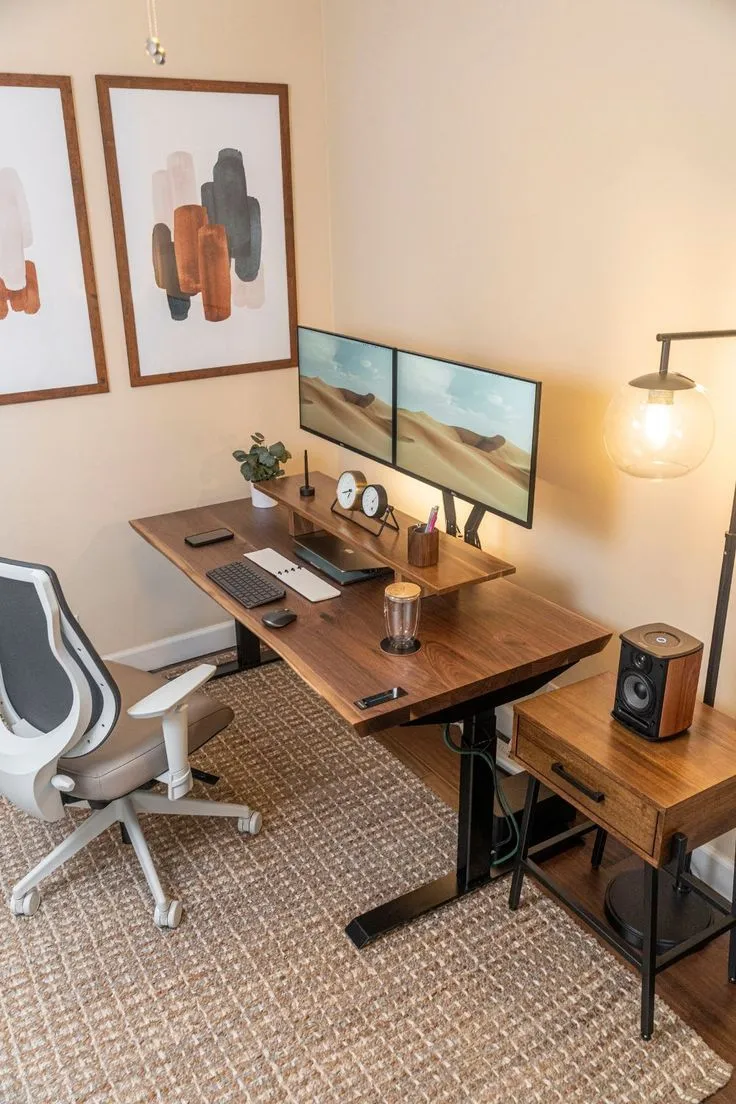
Photo: modern home office ergonomic desk setup remote work, via i.pinimg.com
Here's a scene that plays out in apartments from Denver to Raleigh every single day: a remote worker spends a weekend and a chunk of their paycheck building a proper home office. Standing desk, assembled. Herman Miller, financed. Monitor arm, installed. Plants — plural — because the YouTube home office tour said so.
Then they sit down at that beautiful desk and open a browser with 61 tabs, no groups, no order, and a bookmarks bar that hasn't been touched since 2019.
We need to talk about this double standard.
The Space You Actually Live In
Here's the uncomfortable math. If you work remotely full-time, you spend roughly 2,000 hours a year inside your browser. Compare that to your physical office setup — maybe you're at the desk 2,000 hours too, sure, but how much of that time is spent actually looking at the chair? The monitor? Now compare it to how much attention you've given the thing filling your screen.
The browser is the room you live in. The desk is just the furniture holding the window to it.
Psychologists have known for years that physical clutter raises cortisol and fragments attention — it's why the minimalist desk movement took off. But digital clutter works the same way, and it's arguably worse, because a messy browser isn't a pile you can tune out. Every tab is a visible, half-finished thought competing for your attention every time you glance up.
So why does the physical space get the design treatment and the digital space get the junk drawer? Part of it is that no one ever taught us that browsers are designable. You can't buy a browser rug on Wayfair, so it doesn't register as a space at all. It just... accumulates.
The Digital Interior Design Framework
If you furnished your browser like you'd furnish a real home office, here's what the process would look like.
Step 1: Empty the room. You wouldn't design a new office around a pile of junk. Close every tab. Save the session first if you're nervous, but start from zero. This is the digital equivalent of moving all the furniture into the hallway.
Step 2: Define the zones. A well-designed room has areas for different activities. Your browser needs the same: a work zone (a small, fixed set of tabs for your core job), a communication zone (pinned, always in the same spot), and a personal zone (which should not coexist with your work zone during work hours). Tab groups are your area rugs — they visually define where one activity ends and another begins.
Step 3: Establish traffic patterns. In a good floor plan, you don't walk through the middle of the living room to get to the kitchen. In your browser, that means pinned tabs in a fixed order, a bookmarks bar pruned down to fewer than ten genuinely-used links, and a consistent place where new work 'enters' the space.
Step 4: Decorate with intention, not accumulation. Nobody puts seventeen couches in a living room. But that's exactly what a 60-tab browser is — furniture bought for a life you might live someday. Keep the tabs that earn their spot daily. Everything else is stored, not displayed.
Step 5: Do the walkthrough. Once a week, move through your setup like a designer reviewing a room. What's blocking the flow? What haven't you touched? Redesign, remove, repeat.
The ROI Nobody Calculated
Here's the kicker. That $2,000 desk might improve your comfort by some real margin. But reclaiming even 20 minutes a day from tab chaos — the searching, the reloading, the 'wait, where was that article' — gives you back over 80 hours a year. No piece of physical furniture can make that claim.
Your home office deserves the investment. But the browser is the office. Treat it like the most important room in the house, because for remote workers, it is.